
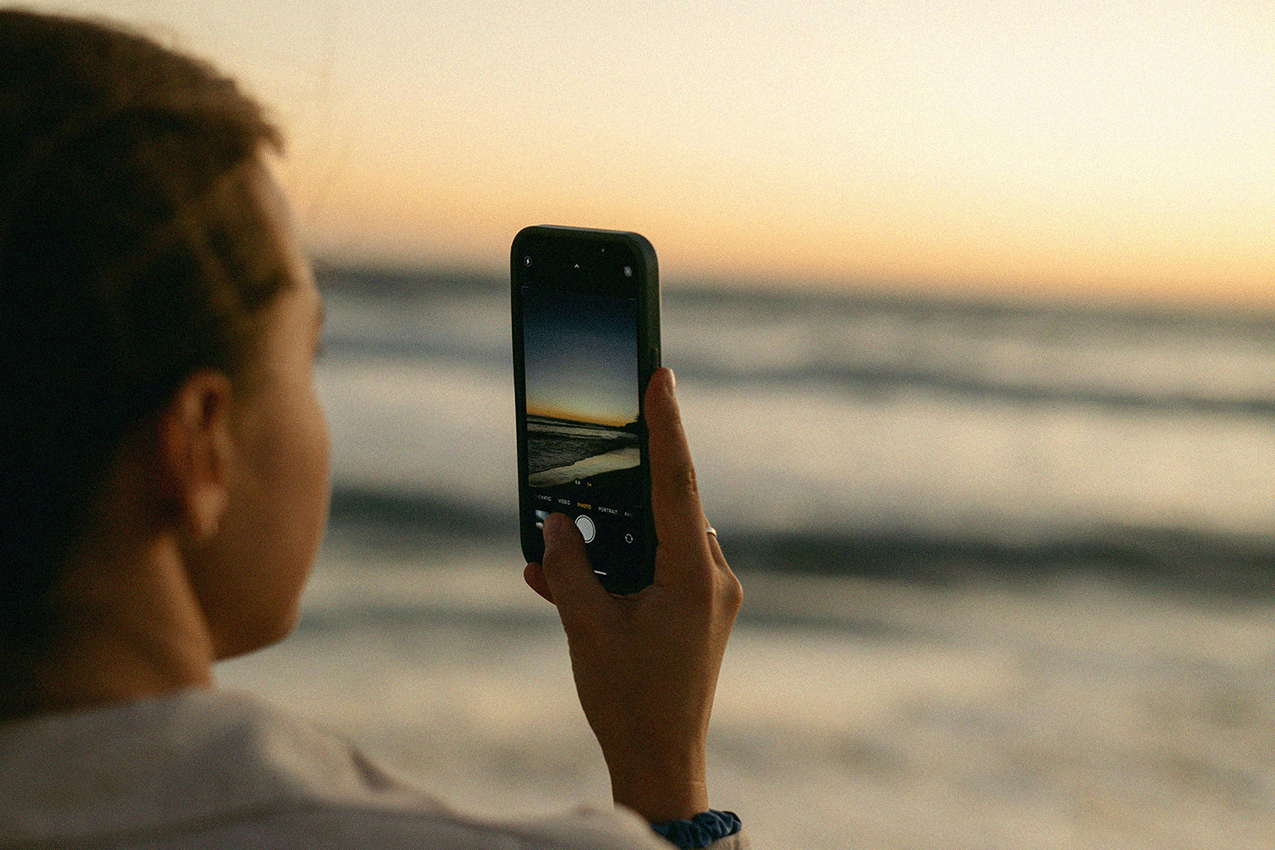
We live in one of the most photogenic places in Australia – beach sunrises, hinterland hikes and Instagram-able banquets aplenty. But if your camera roll isn’t quite doing it justice, it might be time to level up your iPhone photography game.
Here’s how to shoot, edit and curate your next Instagram post like a pro.
Clean your lens (it’s definitely dirty)
We know, it sounds basic. But trust us – nothing ruins a dreamy beach pic faster than a foggy fingerprint. Give your lens a quick wipe with your shirt or sunnies cloth before you shoot. It makes an instant difference in sharpness and clarity.
Use natural light to your advantage
The Gold Coast has a golden reputation for a reason. Aim to shoot during golden hour (an hour after sunrise or before sunset) for soft, flattering light. Avoid harsh midday sun unless you’re going for full-contrast beach snaps – and if you are, lean into it with bold colours and candid action shots (videos included).
Think like a director, not just a photographer
Instead of snapping one shot, think in sequences: waves rolling in, dogs running, seagulls flying. Take a live photo, a burst or shoot a short video – you can pull stills from it later. Photographers don’t wait to capture a single perfect moment, so fill that camera roll up and edit later.
Tap to focus and adjust exposure
Before you press the shutter, tap on your subject to focus and then slide your finger up or down to adjust brightness. Want that moody dinner table shot? Dial it down. Want your friend’s face lit up in front of a sunset? Boost it. This simple trick gives you control over the final look and feel.
Frame it up
Use the rule of thirds: switch on your grid in Settings > Camera > Grid and line up your subject along the intersecting lines. While you’re there, turn on the Level setting and say ‘see ya’ to wonky horizons. On the other hand, don’t be afraid to tilt your phone slightly or shoot from the ground up for a more interesting perspective.
Edit with restraint
Your iPhone’s native editing tools are powerful (hello, brilliance and shadows!), but apps like VSCO, Tezza and Lightroom Mobile take things up a notch. Pick a filter or preset that matches your preferred aesthetic and apply it consistently to your favourite shots. Less is more: aim to enhance, not overhaul.
Bonus Round: Mastering the art of the photo dump
Ah yes, the modern-day photo essay – or, as the kids are calling it, ‘the dump’. More than a random reel of moments, a great dump is curated chaos. Here’s how to nail yours:
- Start strong: Your first image should grab attention – think cute pets, delicious meals or fun night-out mirror selfies.
- Tell a story: Mix up people, places, and details – sunsets, signs, food, shadows on walls. Let it feel effortless (even though we all know it wasn’t).
- Include at least one blurry or “bad” photo: It makes the whole thing feel more real.
- Repeat a motif: Most people theme their dumps by a season, place or event, but think outside the box – colours, items or activities can also tie it together. Put your editor’s cap on.
- Caption it coolly: Think one word, a song lyric, or a niche quote. Bonus points for lowercase or a curated selection of emojis.
Final tip? Just start shooting. The best camera is the one you have with you – and your iPhone is capable of capturing some seriously beautiful moments. Especially with the Gold Coast as your muse.